Reports that arrive by themselves.
Save a query once, schedule it, and the results land in the right inboxes every day or every week — formatted, readable, on time. Stop being the person who runs the Monday numbers.
How it works
Save a query
Write it yourself, pick a template, or let Ask-AI generate it from a plain-English question.
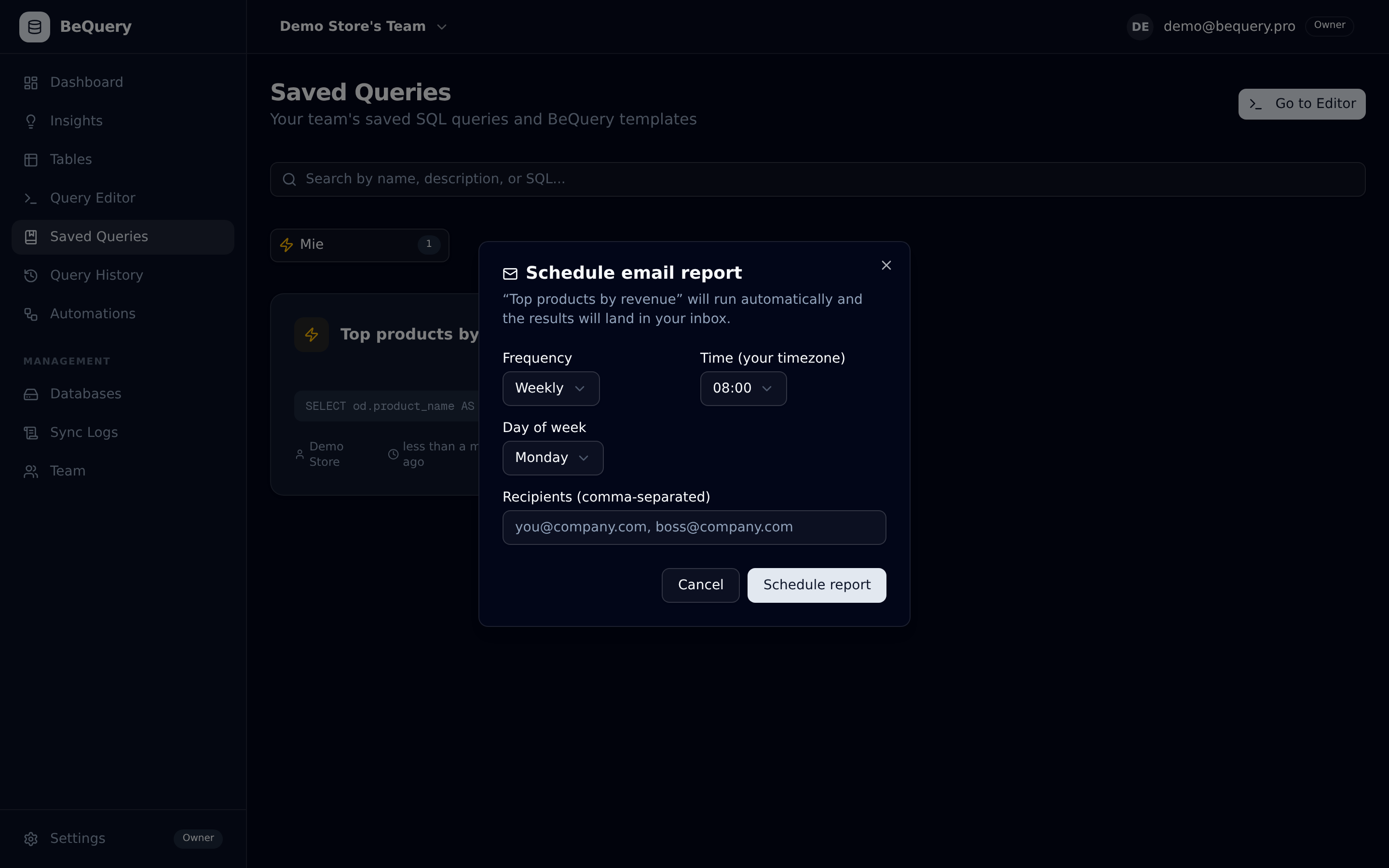
Set the schedule
Daily or weekly, the hour you choose (in your timezone), up to 10 recipients — colleagues don't need a BeQuery account.
It just arrives
BeQuery runs the query on your synced clone and emails a clean results table. Pause or edit anytime.
Why teams use it
- Recipients don't need an account — reports reach the whole team
- Runs on the clone: heavy weekly aggregations, zero production impact
- Same security guards as the editor — read-only, always
- Plan-based frequency: weekly on Starter, daily from Pro up
Common questions
Can I send a report to someone without a BeQuery login?
Yes — recipients are plain email addresses. Only creating and managing reports requires an account.
What does the email look like?
A clean HTML table of your query results (up to 50 rows inline, with a link to the full result in BeQuery), plus when it was generated and from which query.
How many reports can I schedule?
1 weekly report on Starter, 10 on Pro, 30 on Business and up — active reports count, paused ones don't.
More of BeQuery
Try it on your store's data
Free tier, no credit card, setup in 5 minutes. Your production database is never touched.
Start free